Phantom lets you manage crypto and sign transactions across supported blockchains
Phantom is a self-custody wallet that combines crypto balances, token transfers, swaps, and blockchain apps in one interface. You control the credentials that authorize activity from your wallet. It runs on iOS, Android, and supported desktop browsers, with network-specific addresses inside each account. Its principal uses include managing tokens and collectibles, exchanging assets, and staking Solana’s native token, SOL. Available features differ by network, device, and region.
Token approvals can remain active after an app disconnects, so disconnecting alone doesn’t remove its permission to move assets.
Token balances, collectibles, and specialized trading
You can view tokens and supported non-fungible tokens (NFTs) together, transfer assets, and discover blockchain apps across supported networks. Balances and transaction history live on the blockchain; the app provides access through signing keys. Built-in swaps exchange assets, including across networks when a supported bridge route exists. Discovery features surface tokens, apps, and collectibles, and let you follow other traders. Selling requires available liquidity, and apps support their own sets of assets.
Other trading tools serve different purposes. Perpetual futures (perps) provide leveraged exposure to price movements without ownership of the underlying asset, and collateral can face liquidation. Phantom Terminal provides a desktop interface for Solana token trading and perpetual futures. Perps require a multichain Phantom account with Ethereum enabled and don’t support Ledger accounts. They aren’t available in the United States, the United Kingdom, or regions subject to comprehensive US economic sanctions. Prediction markets trade event outcomes and settle under each market’s rules. They’re available on mobile, subject to regional access, and don’t support Ledger accounts. Trading an event using non-public information that provides an unfair advantage is prohibited.
Wallet setup determines how you regain access
Creating a new wallet
A new wallet can use Google or Apple sign-in, or a recovery phrase created directly in the app; sign-in wallets also have an exportable recovery phrase. Access on another device requires the original sign-in account or an appropriate backup. If setup includes a PIN, restoring through sign-in also requires it. Protect the Google or Apple account with a strong password and two-factor authentication when choosing that method.
A browser password or mobile device authentication protects local access. It doesn’t replace the credentials that restore the wallet.
Importing credentials or connecting hardware
You can import an existing compatible wallet with a recovery phrase or an individual private key. These imports have different scopes: a phrase can restore derived accounts, while a private-key import adds an account for the selected network. Account discovery also depends on the derivation paths that the app supports. Keep backups for separately imported credentials.
Compatible Ledger devices connect through USB in the extension or Bluetooth on mobile, with support determined by the device model and network apps. The device signs transactions; don’t enter its recovery phrase into Phantom. A hardware connection keeps its keys on the device.
| Access option | Signing and backup | Access requirement |
|---|---|---|
| Recovery phrase wallet | Signing keys derive from the recovery phrase. | Restoration requires the correct phrase. |
| Google or Apple wallet | Sign-in access with an exportable recovery phrase. | Sign-in requires the original provider, account, and PIN if assigned. |
| Connected Ledger account | The hardware device signs transactions. | Requires a compatible device, connection, and network app. |
Accounts and network addresses keep holdings distinct
Active networks
The network list includes Solana, Ethereum, Base, Polygon, Bitcoin, HyperEVM, Arc, Robinhood Chain, and BNB Chain. Active Networks settings control which supported networks appear. Network support doesn’t establish a swap route or every app integration. An unavailable feature can also reflect a regional restriction, without disabling the wallet’s other available functions.
Account and address relationships
A recovery-phrase account groups addresses across supported networks, and you can create additional accounts from the same phrase, which also backs up those derived accounts. Importing a separate phrase or private key adds credentials with their own backup requirements; naming an account doesn’t change those relationships.
Networks compatible with the Ethereum Virtual Machine (EVM) can share an address format even though their balances remain separate. A matching address string doesn’t move tokens between networks. Receiving requires the same network at both ends, along with the correct destination address and supported token. On mobile, an asset page can group a ticker’s network variants into a combined balance. The individual holdings remain under Your Positions; selecting a variant changes the view, not the network that holds your tokens.
Bitcoin address support
Bitcoin accounts support Native SegWit and Taproot addresses, with compatibility that varies by service and route. Phantom no longer protects Ordinals, rare sats, or BRC-20 tokens during Bitcoin transfers. Although those assets remain onchain after the app stops displaying or managing them, sending BTC can spend the satoshis that carry them, so their presence changes whether an ordinary Bitcoin transfer is appropriate. Preserve them through a wallet that supports their handling before sending BTC from that address.
Funding and transfers use different entry paths
Mobile fiat funding goes through the separate Cash account, which can then pay for supported token purchases, although native BTC isn’t available through a direct Cash-to-BTC swap. The browser extension also offers direct fiat purchases of supported tokens through payment providers, whose payment methods, identity requirements, limits, and regional availability determine whether you can complete a purchase through that route. An incoming crypto transfer is another funding path, independent of those payment-provider options.
Receive details identify the destination network and public address; the sender needs that same network selected. For outgoing transfers, review the selected token’s network, recipient, amount, and fee before approving. Fee payment may require the network’s native token, unless an eligible gasless method applies. Network confirmation establishes settlement, while exchange processing can add time to withdrawals. A transaction can have an identifier while still awaiting confirmation. Phantom can’t reverse a completed transfer or retrieve funds from an incorrect recipient.
App connections and token permissions have different effects
Connection and signature requests
Connecting gives an app your public address and a way to request signatures or transactions, within the connection features that the wallet supports. The mobile app includes an in-app browser; the extension connects from a desktop browser. A connection request isn’t itself proof that a transaction completed.
A message signature can authenticate control of an address without submitting a blockchain transfer. Transaction requests can authorize changes to assets or permissions, so read the requested action and preview before approving; a signature request doesn’t need your recovery phrase. Some supported apps offer optional automatic confirmation, which changes whether each transaction needs individual approval.
Disconnecting and approvals
Disconnecting an app doesn’t revoke token approvals that you previously granted. An approval can continue to permit token movement within its authorized scope until you revoke it. Ending automatic confirmation, disconnecting a site, and revoking an onchain token approval address different kinds of access.
Your public address lets others inspect its blockchain balances and activity. Keeping the recovery phrase private doesn’t make those records private.
Swap quotes include trading costs and network fees
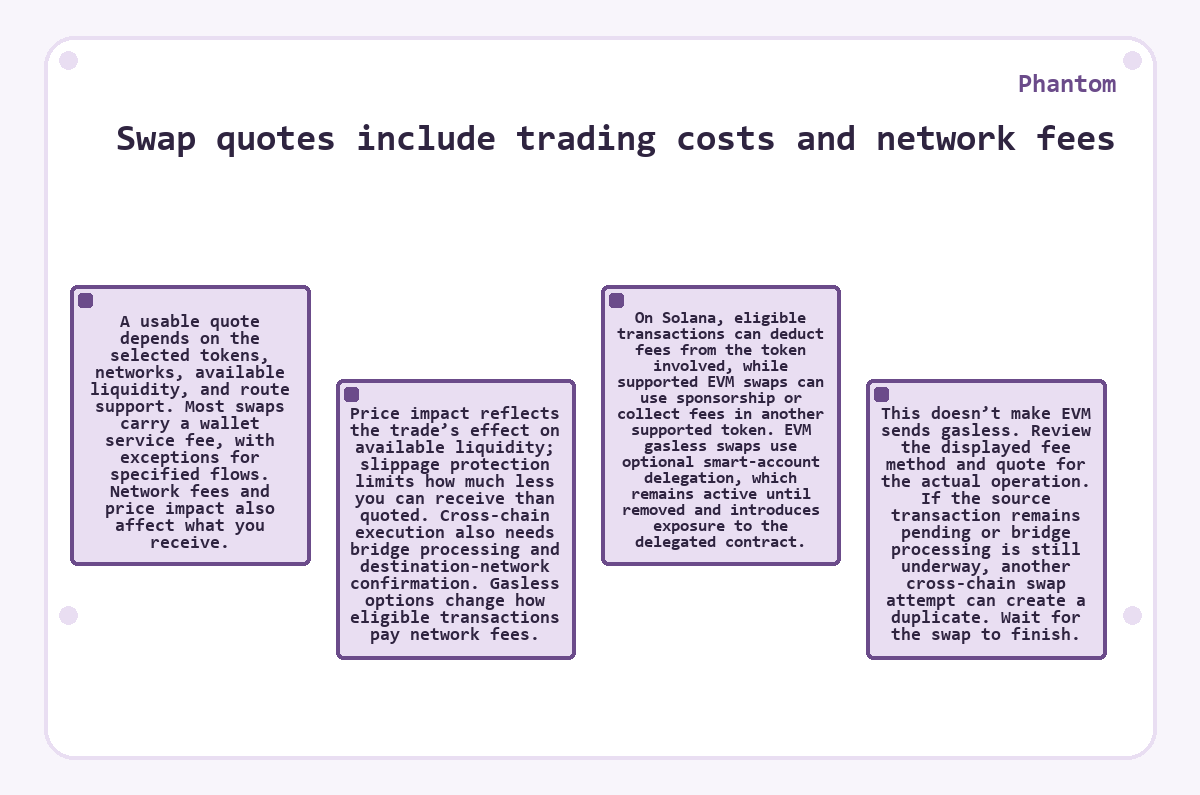
A usable quote depends on the selected tokens, networks, available liquidity, and route support. Most swaps carry a wallet service fee, with exceptions for specified flows. Network fees and price impact also affect what you receive. Price impact reflects the trade’s effect on available liquidity; slippage protection limits how much less you can receive than quoted. Cross-chain execution also needs bridge processing and destination-network confirmation.
Gasless options change how eligible transactions pay network fees. On Solana, eligible transactions can deduct fees from the token involved, while supported EVM swaps can use sponsorship or collect fees in another supported token. EVM gasless swaps use optional smart-account delegation, which remains active until removed and introduces exposure to the delegated contract. This doesn’t make EVM sends gasless. Review the displayed fee method and quote for the actual operation.
If the source transaction remains pending or bridge processing is still underway, another cross-chain swap attempt can create a duplicate. Wait for the swap to finish.
SOL staking and Cash change how assets remain available
Native staking delegates SOL to a validator and keeps it in a stake account under your control, with new stakes created through the browser extension and existing stakes also manageable through the mobile app. Unstaking involves deactivation, followed by withdrawal once the stake becomes inactive. Validator commission and performance affect rewards, and the staked balance isn’t available for ordinary spending during that process.
Liquid staking provides Phantom Staked SOL (PSOL), a token representing pooled stake that can serve other supported uses. Rewards change how much SOL each PSOL represents, without automatically increasing the PSOL token balance. Conversion back to SOL depends on reserve liquidity: insufficient reserves can leave a native stake that needs manual unstaking and withdrawal. A protocol fee applies to staking rewards, and an exit fee applies when unstaking or swapping PSOL.
Cash holds CASH, a USD-pegged stablecoin, in a separate Solana account. Supported stablecoin deposits convert into that token after confirmation, and the Cash receiving address is only for the supported stablecoins on Solana shown in its deposit instructions, so it isn’t interchangeable with a regular token receiving address. Eligible users can spend Cash through the virtual debit card in the United States, excluding New York, after identity verification and activation. Bank funding and withdrawal options also depend on location and verification.
Backups and transaction previews cover different risks
Keep recovery credentials offline and separate from ordinary sign-in passwords. Anyone with a recovery phrase or private key can control the assets that it secures, and support doesn’t need either credential. Transaction previews and malicious-site warnings reduce exposure to suspicious requests; they can’t guarantee that an asset or app is safe. Recovery restores access through valid credentials. It doesn’t undo a signed transfer, remove an existing token approval, or replace a missing backup for a separately imported wallet.
Common questions, answered
-
Can I monitor an address in Phantom without importing its private key?
- You can monitor a public address through a watch-only account without importing its private key. Watch-only access shows balances and activity but doesn’t provide transaction-signing authority. The app marks these accounts with an eye symbol and a watching banner. A visible balance in a watched account doesn’t mean you control those assets.
-
Why has a token disappeared from my Phantom portfolio?
- A token can disappear from the portfolio because Phantom’s spam filters hide or remove it from view. A flagged asset may appear in the hidden-token list, while entirely filtered tokens can’t be unhidden. Restoring visibility doesn’t certify safety, and a spam flag doesn’t necessarily establish that the asset is malicious or worthless.
-
When can I send another Bitcoin transfer if one is pending?
- Phantom allows only one pending Bitcoin transfer at a time. Another send remains blocked until that transfer confirms. The app can still show a pending status after network confirmation. If no transaction appears on a Bitcoin explorer, a local cache issue may explain the pending entry. The transaction’s record on the Bitcoin network helps distinguish an active transfer from an outdated display.
-
Does Phantom provide tax forms for wallet transactions?
- Phantom doesn’t issue tax forms for wallet transactions. You can obtain transaction history through blockchain explorers or a compatible tax tool that imports public addresses. Export formats and coverage differ between networks, so a single export may not include every account. These tools need public transaction records, not recovery phrases or private keys.
-
Will an additional wallet imported on mobile appear automatically in the browser extension?
- An additional wallet that you import on mobile won’t automatically appear in the browser extension. It has separate credentials and needs a separate import there. Restoring the primary wallet doesn’t automatically restore every additional recovery phrase or private key that you previously added. Keep the relevant backups for each imported wallet.